Use Reminders for the daily checklist
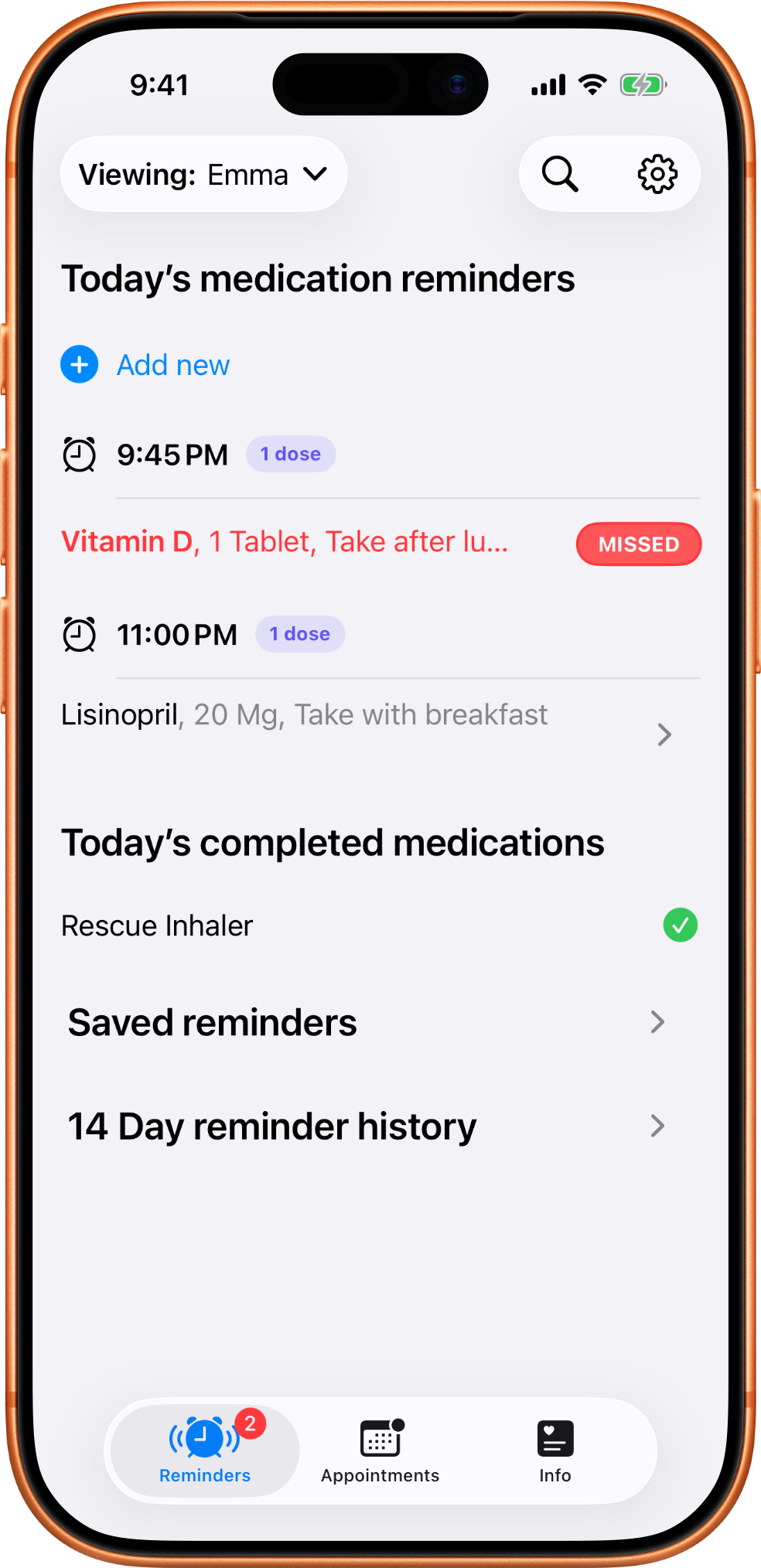
The reminders screen keeps due, overdue, and completed medications visible for the currently selected profile.
Start with the questions above, then use these screenshots as a quick guide to the main MedTime flows, gestures, sharing tools, and backup areas.
The reminders screen keeps due, overdue, and completed medications visible for the currently selected profile.
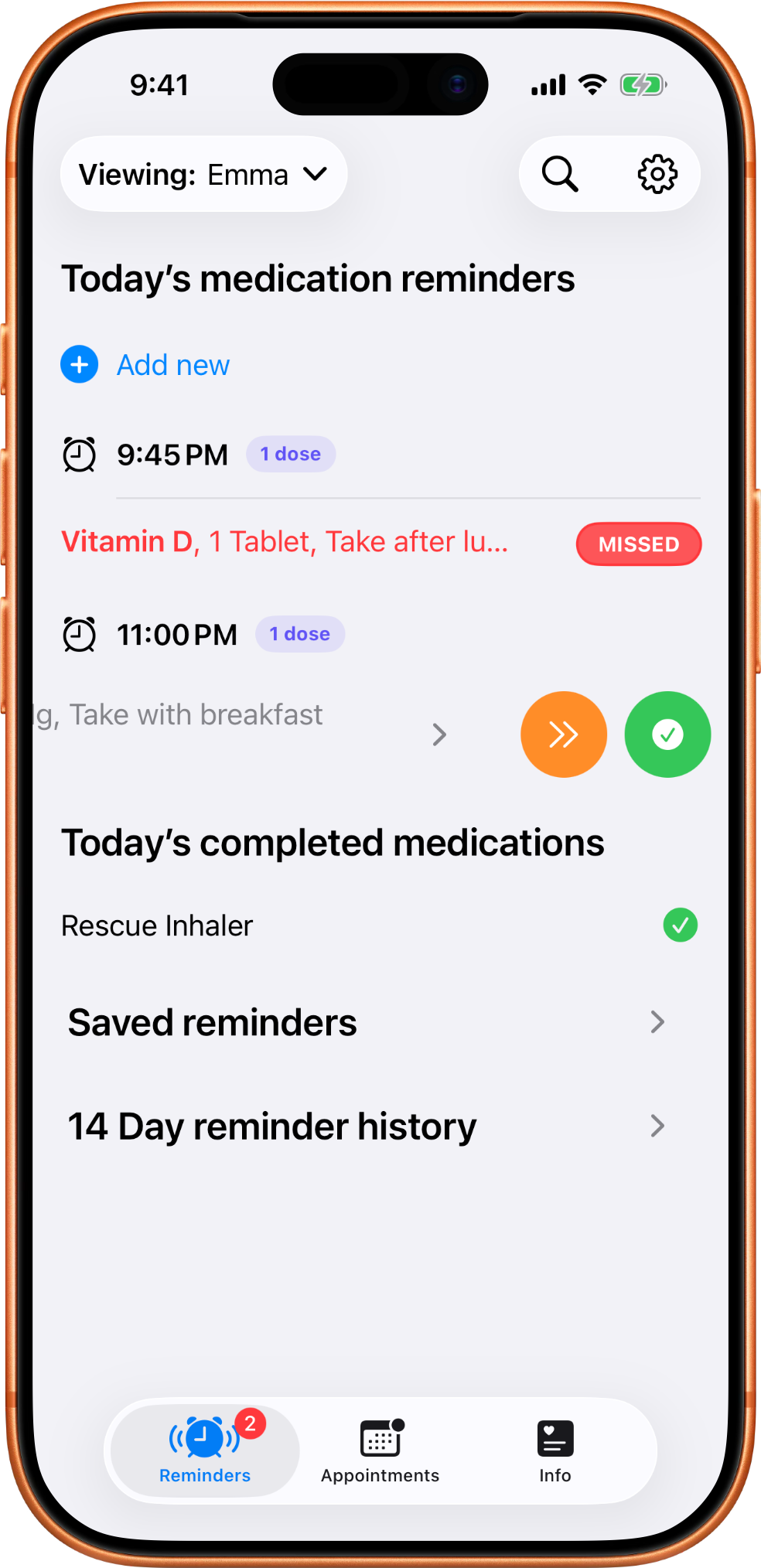
The quick action gesture helps you mark a dose as taken or skipped without opening extra screens.
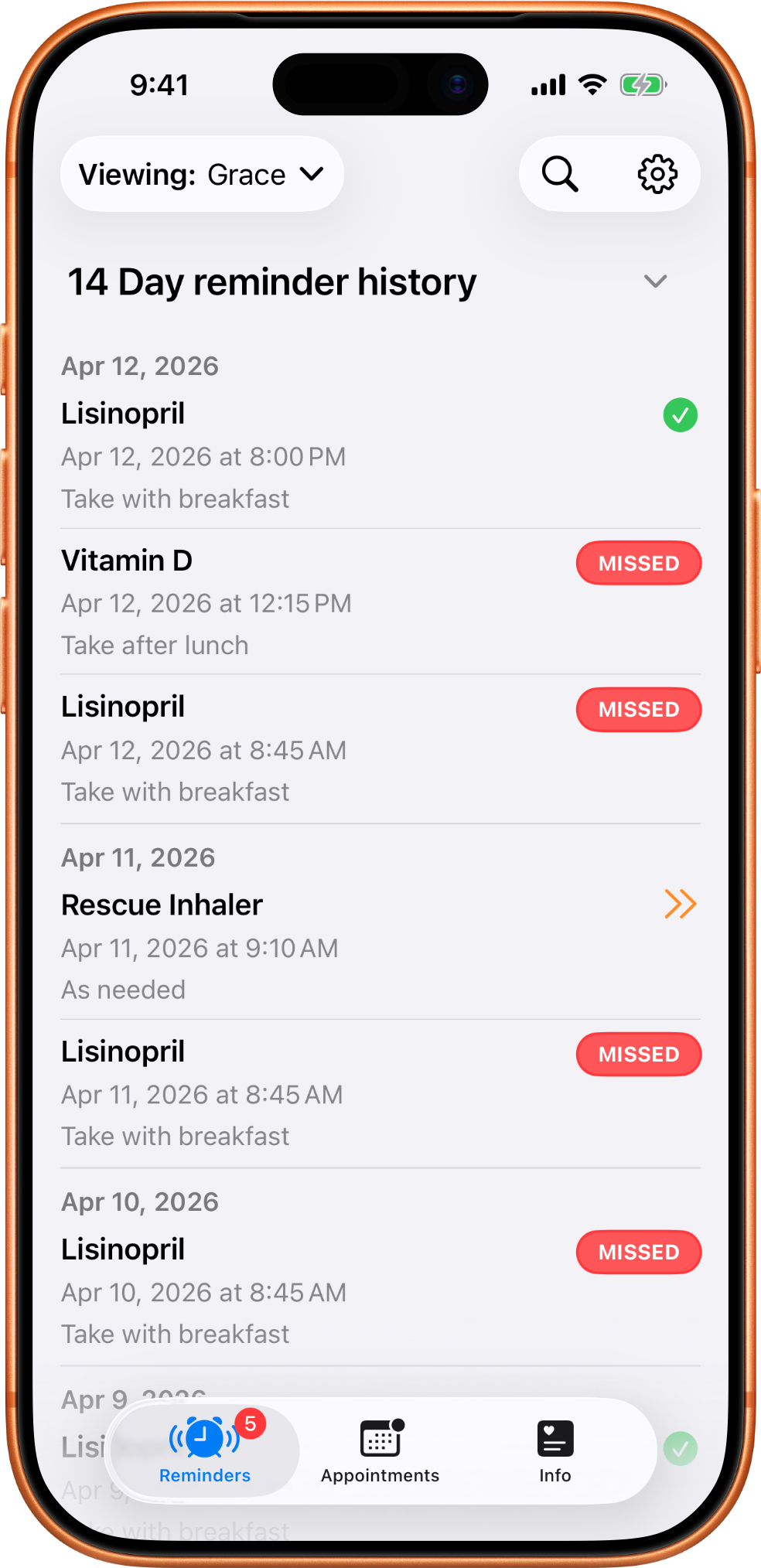
The 14 day history helps a person or caregiver quickly spot missed medications and mostly-on-track patterns.
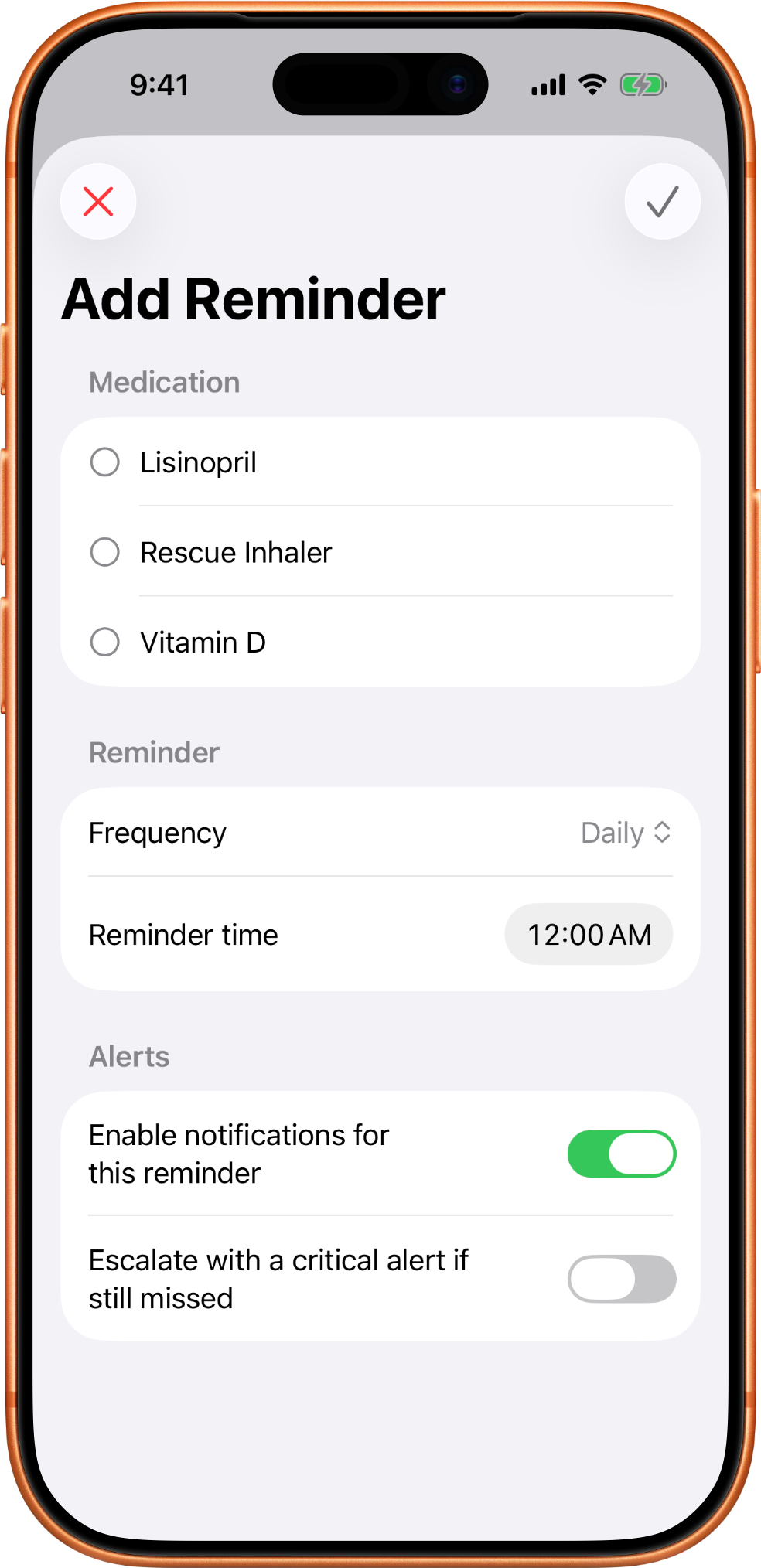
New reminders attach to saved medications and can be configured with notification and critical-alert options.
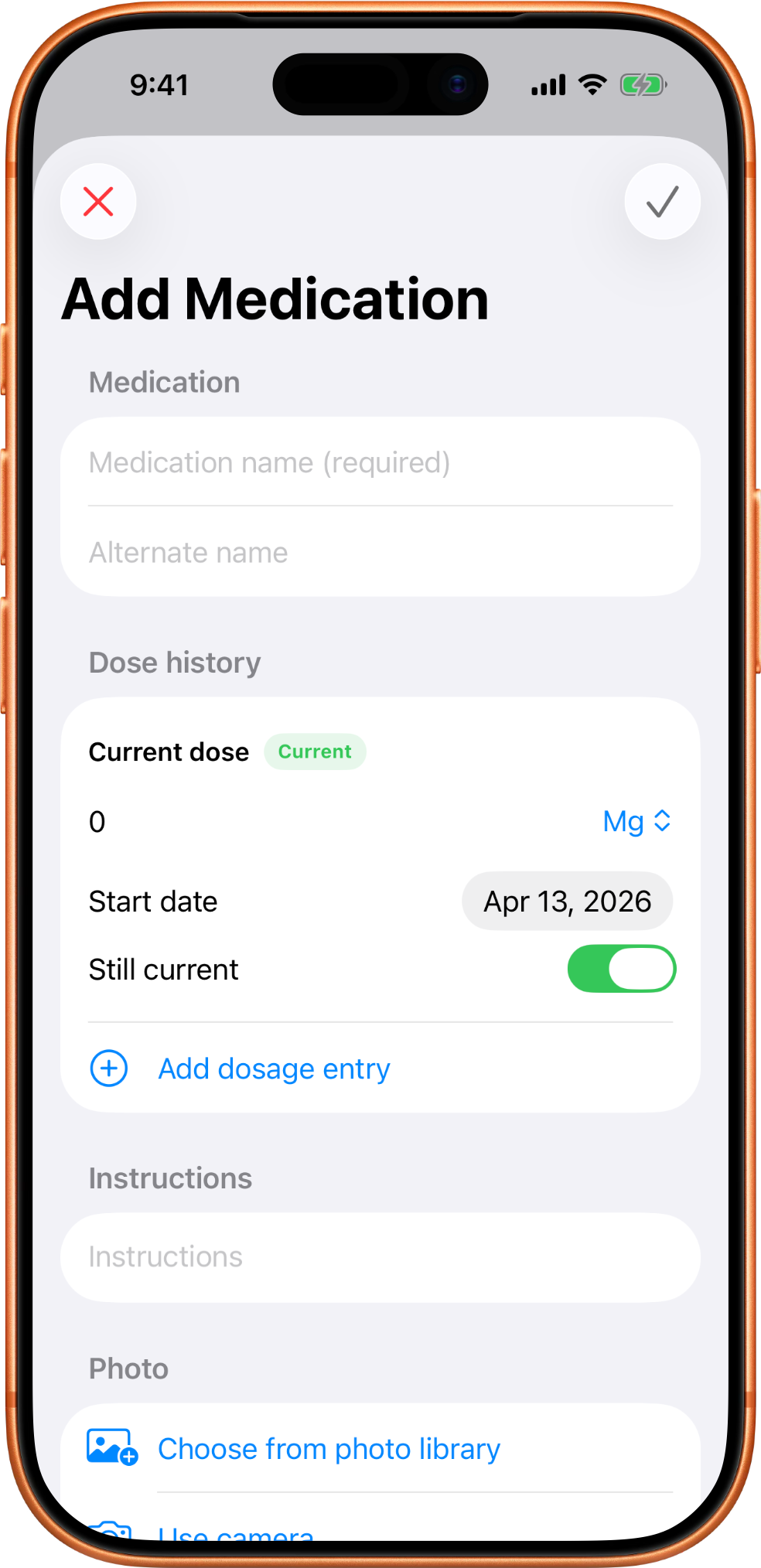
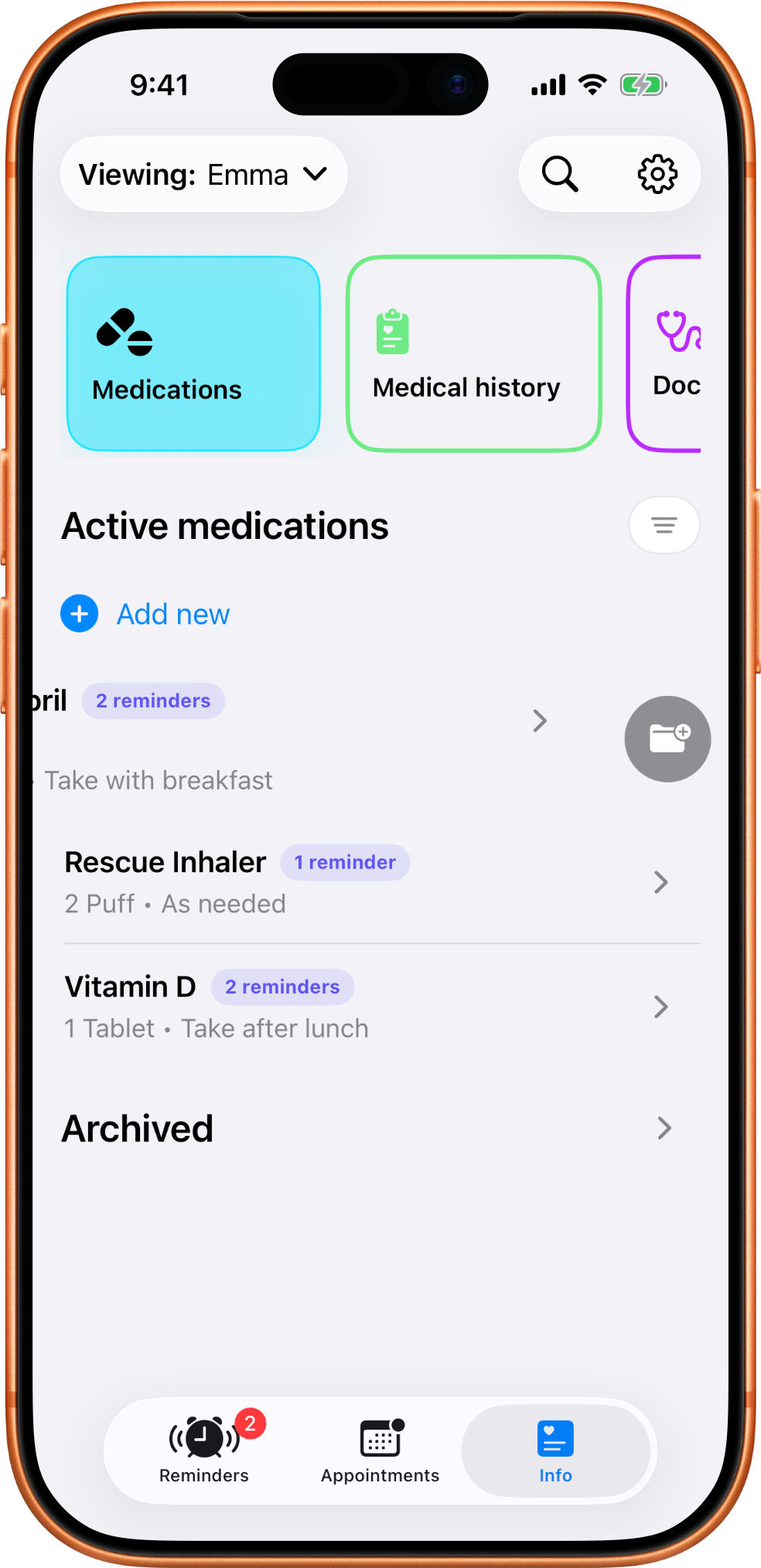
Medication records hold the details that make reminders useful: name, dose, instructions, doctors, pharmacies, insurance, and notes.
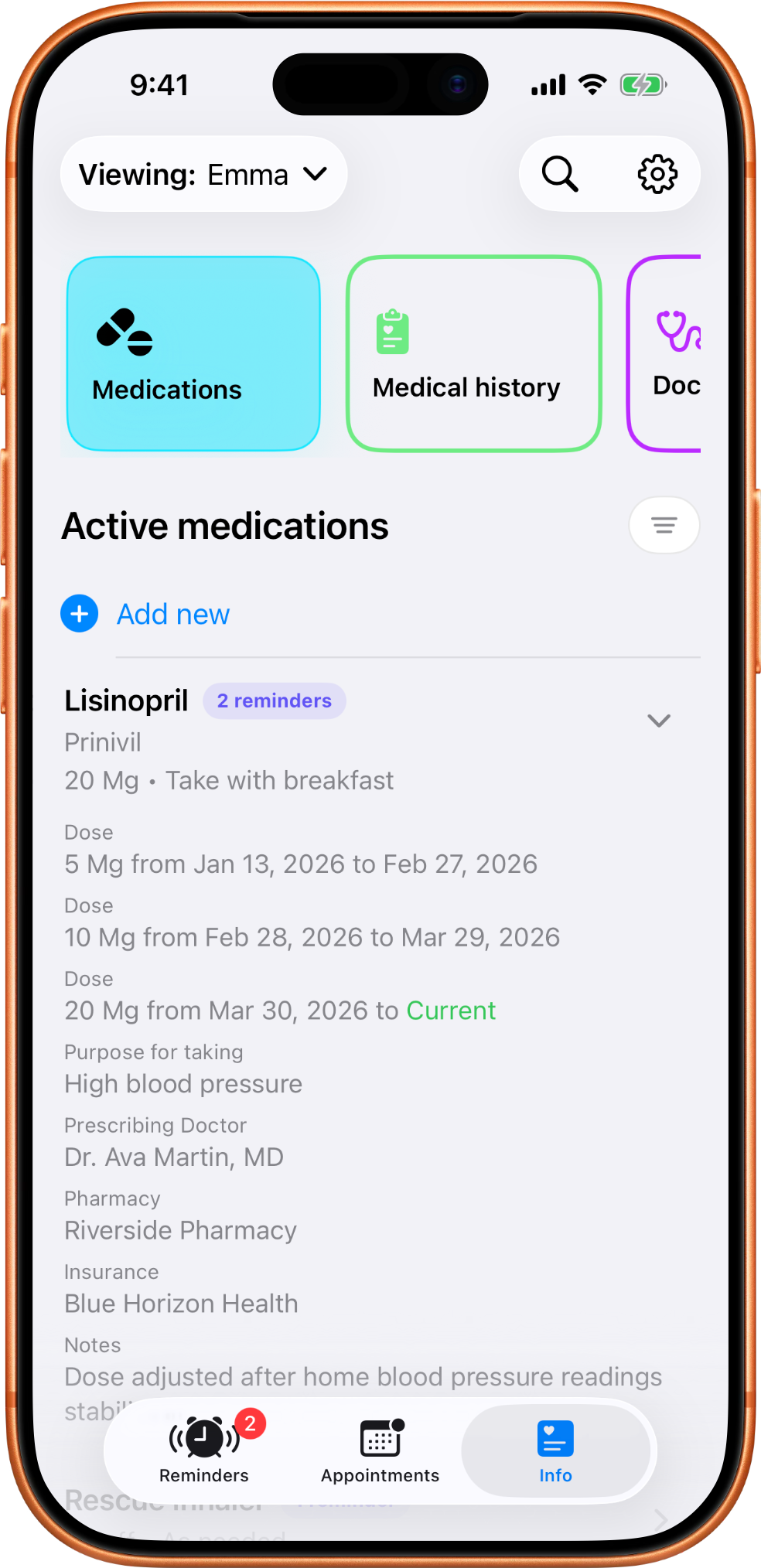
Expanded medication details show past dose ranges and the current dose without requiring a separate chart.
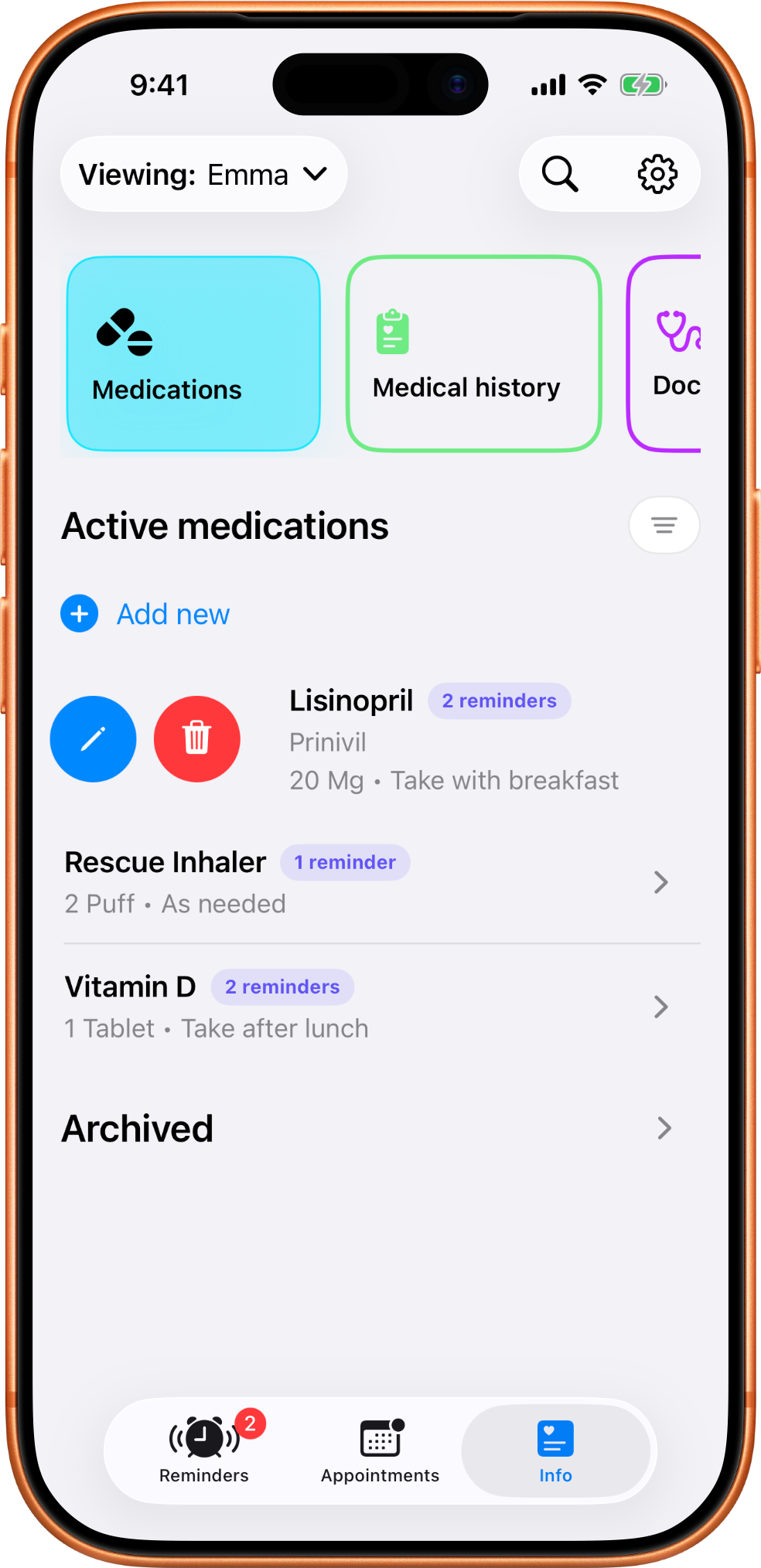
Saved list rows support quick actions so edits stay close to the record you are reviewing.
Archiving removes a medication from the active list while keeping useful history available.
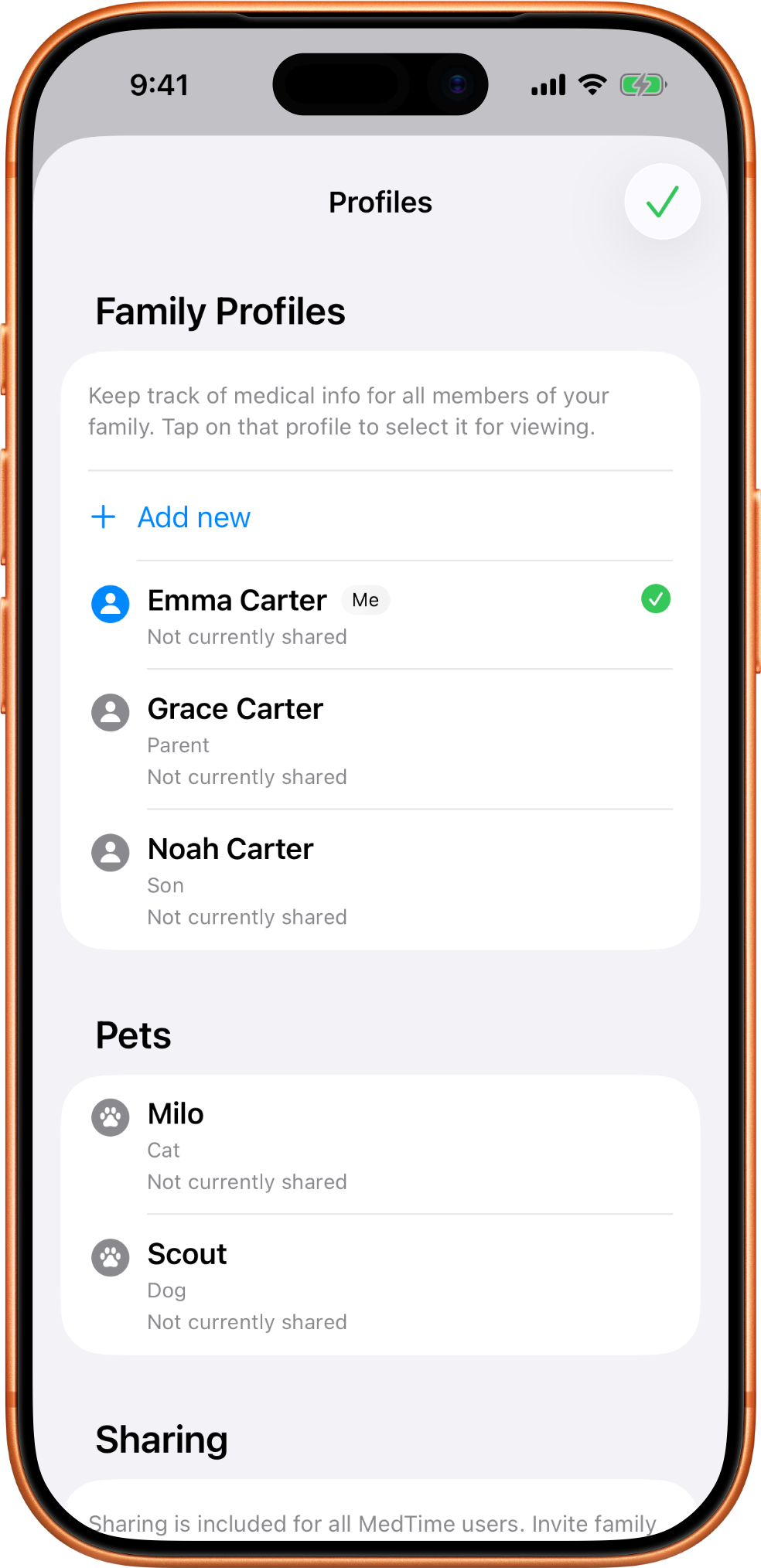
Profiles keep each person or pet separate so reminders, appointments, and medical details stay attached to the right one.
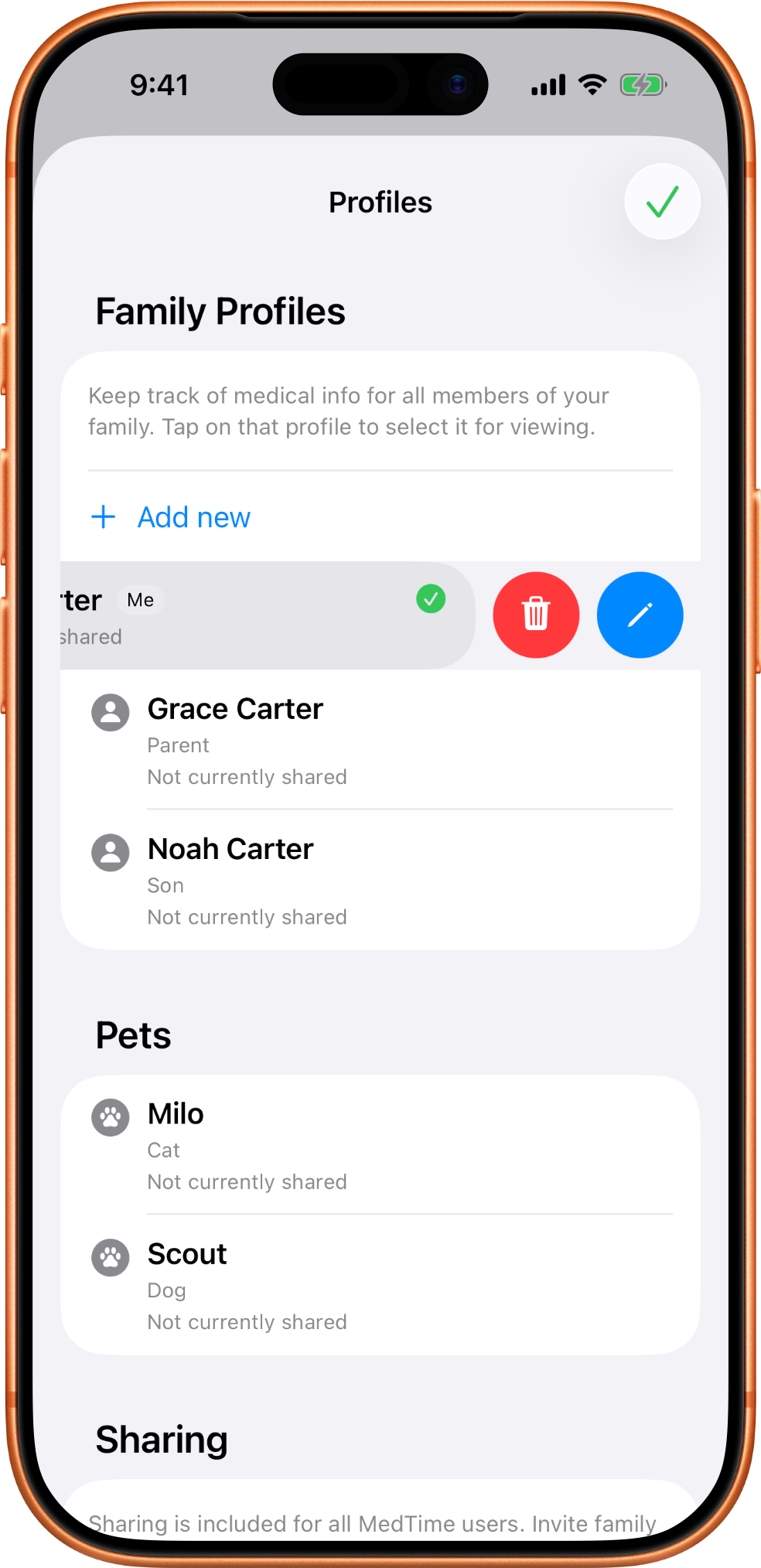
Profile rows also support quick actions when you need to update or remove an old profile.
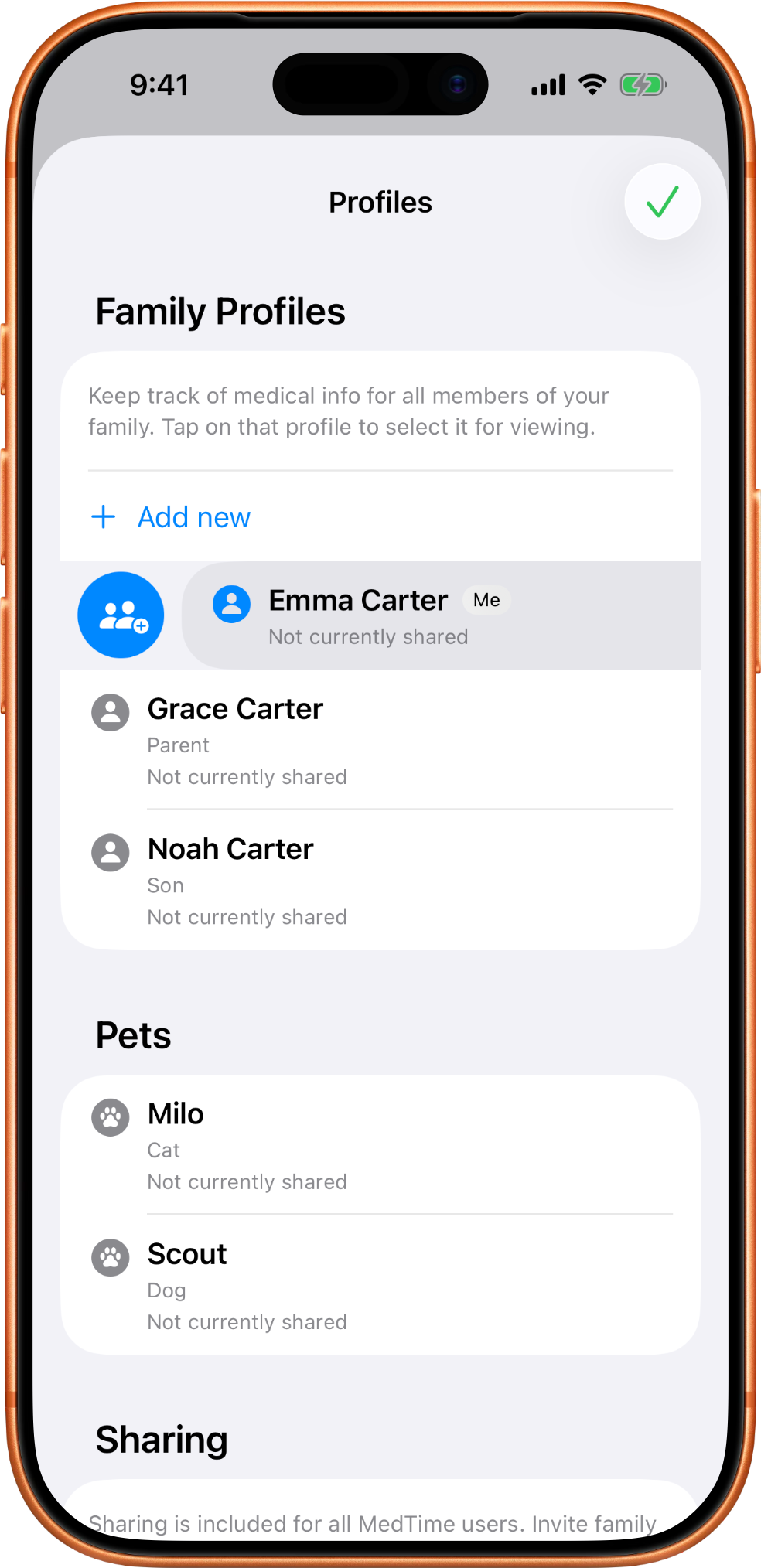
The profile owner can invite another MedTime user to a selected profile.
View-only is best when someone only needs visibility. Edit access is for a recipient who also needs to make changes.
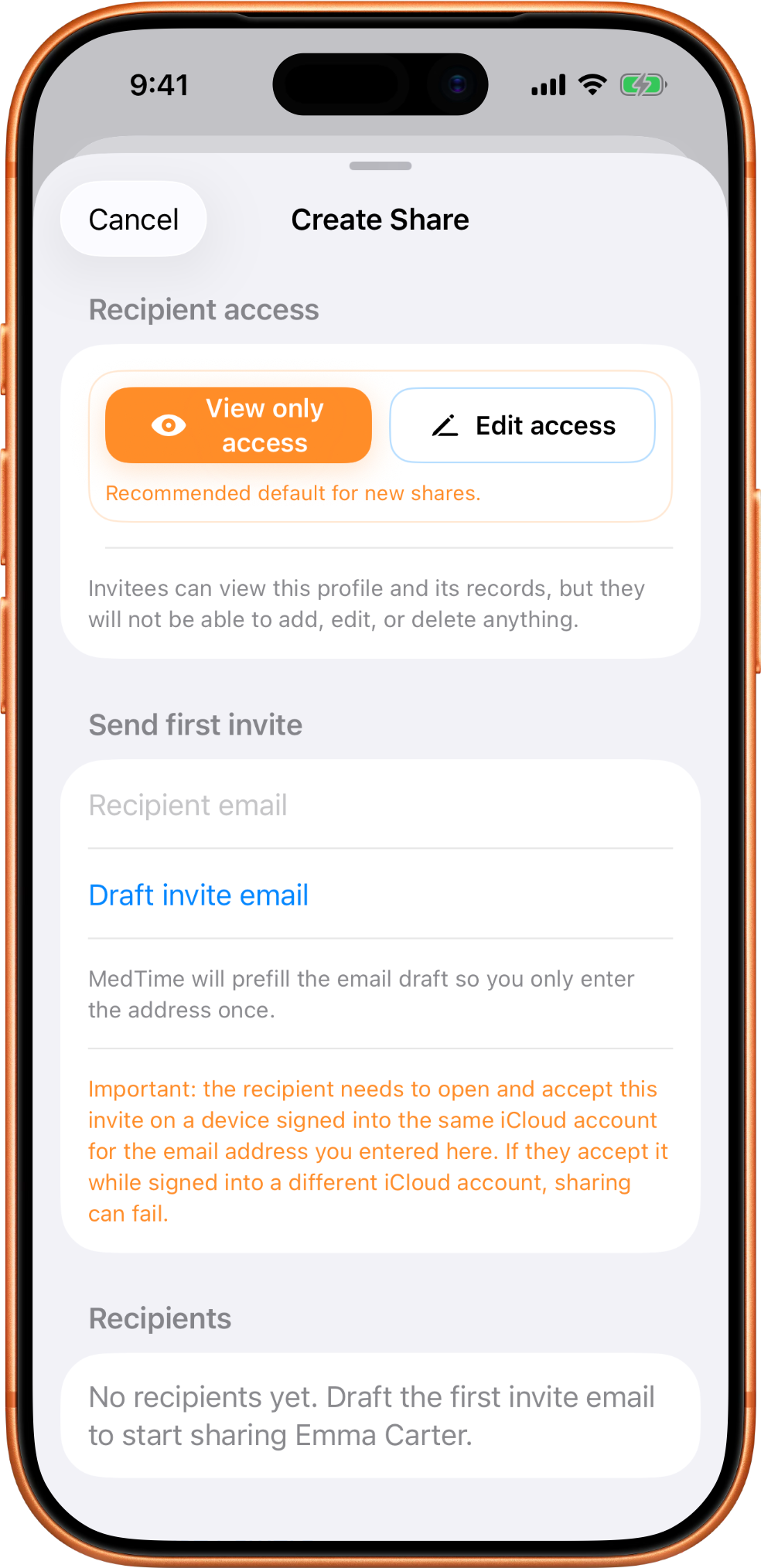
Manage sharing from the profile and stop access when a recipient no longer needs the record.
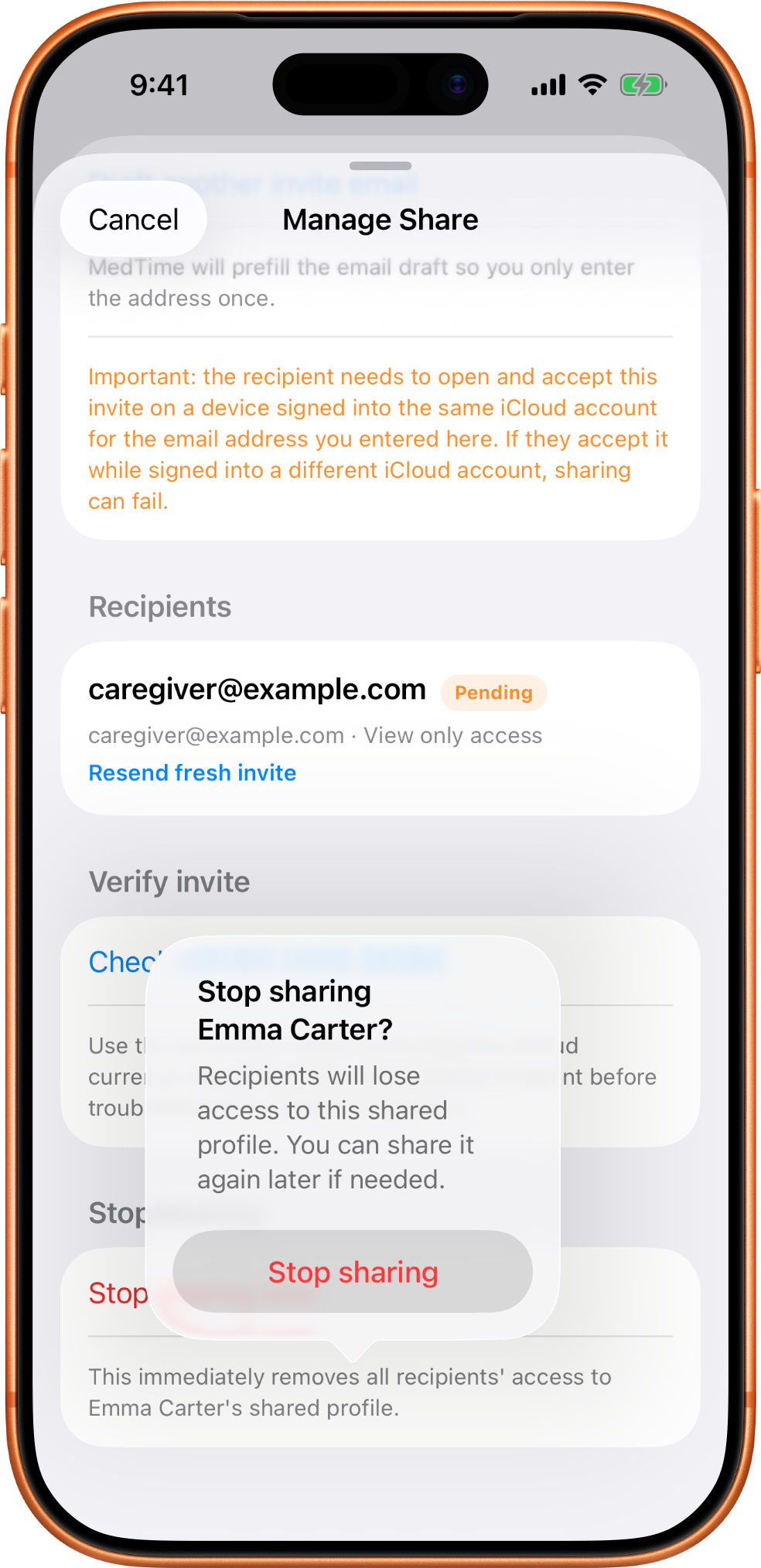
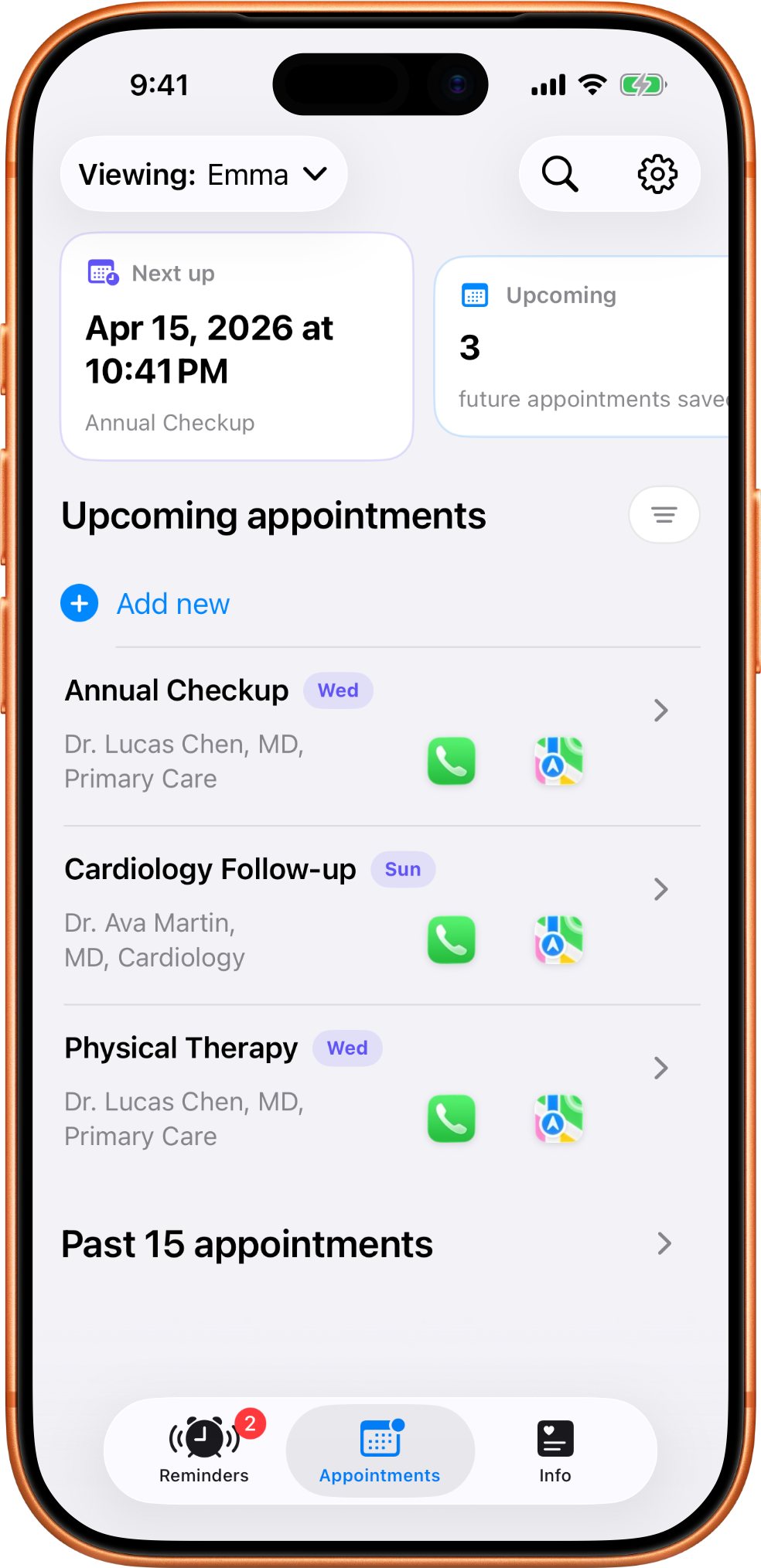
Appointments stays focused on what is next and what details matter before you head out the door.
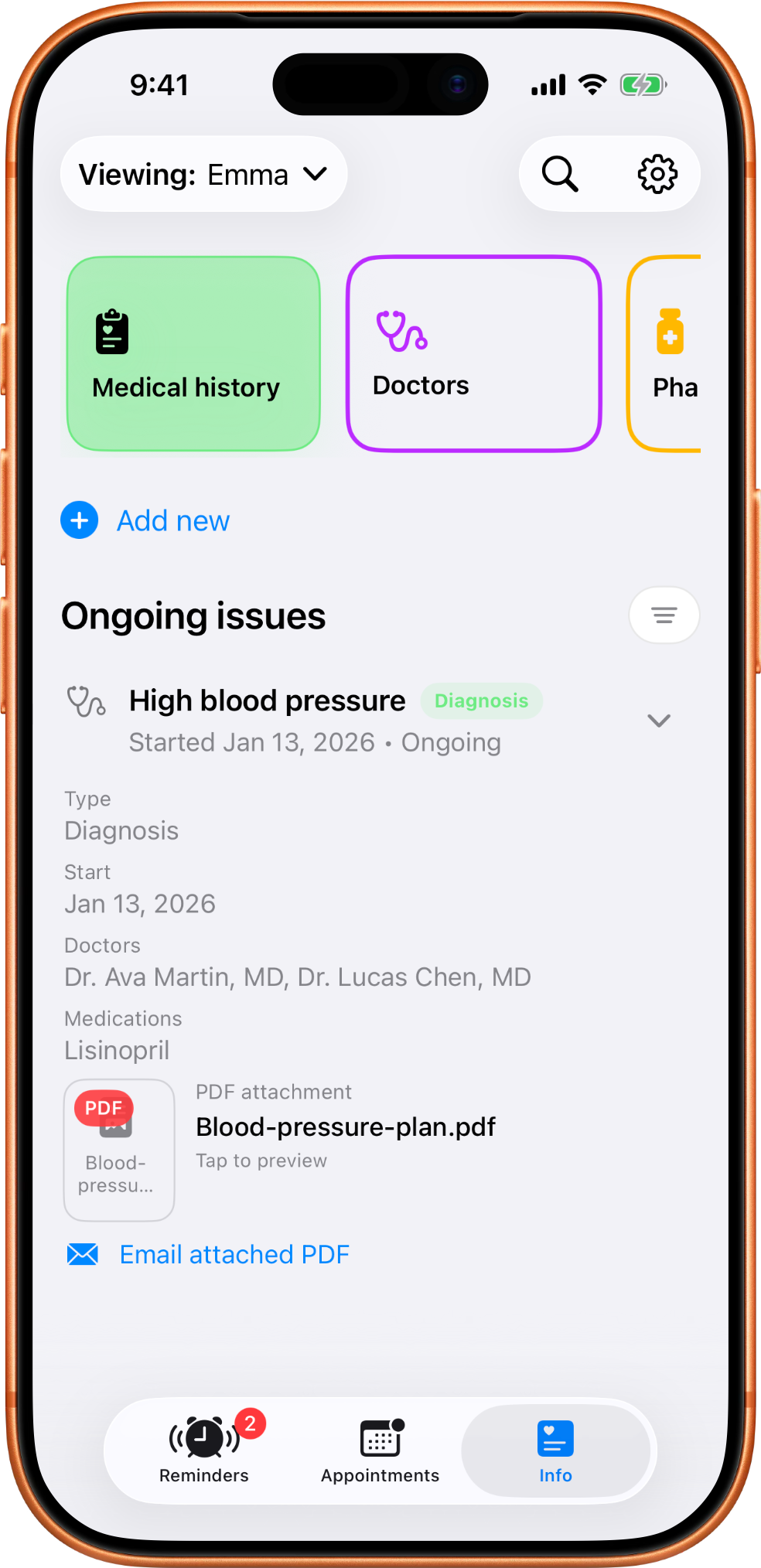
Medical history keeps past events, ongoing issues, and attached PDFs together by profile.
Provider records make it easier to keep specialty, contact details, and related medications together.
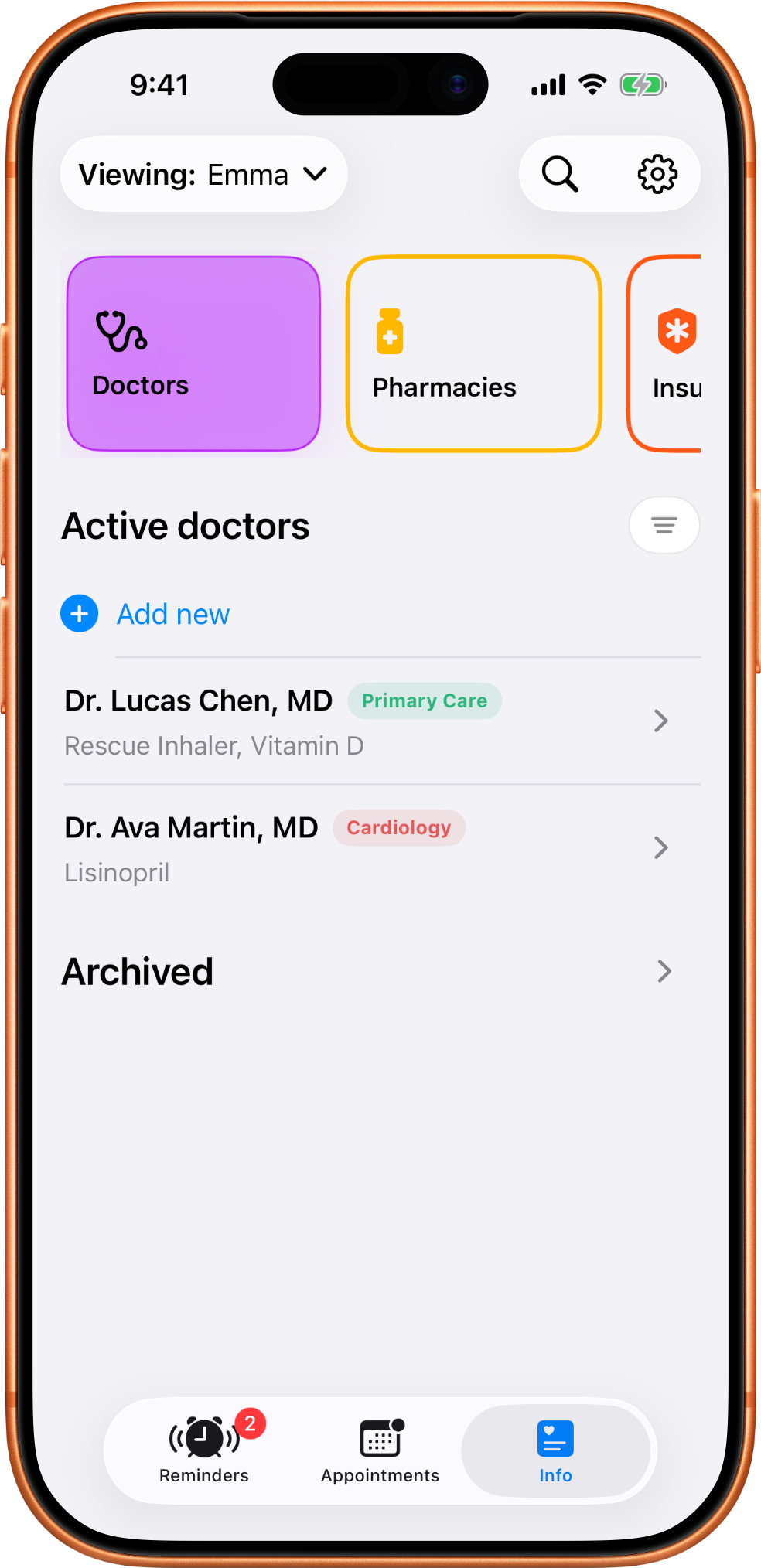
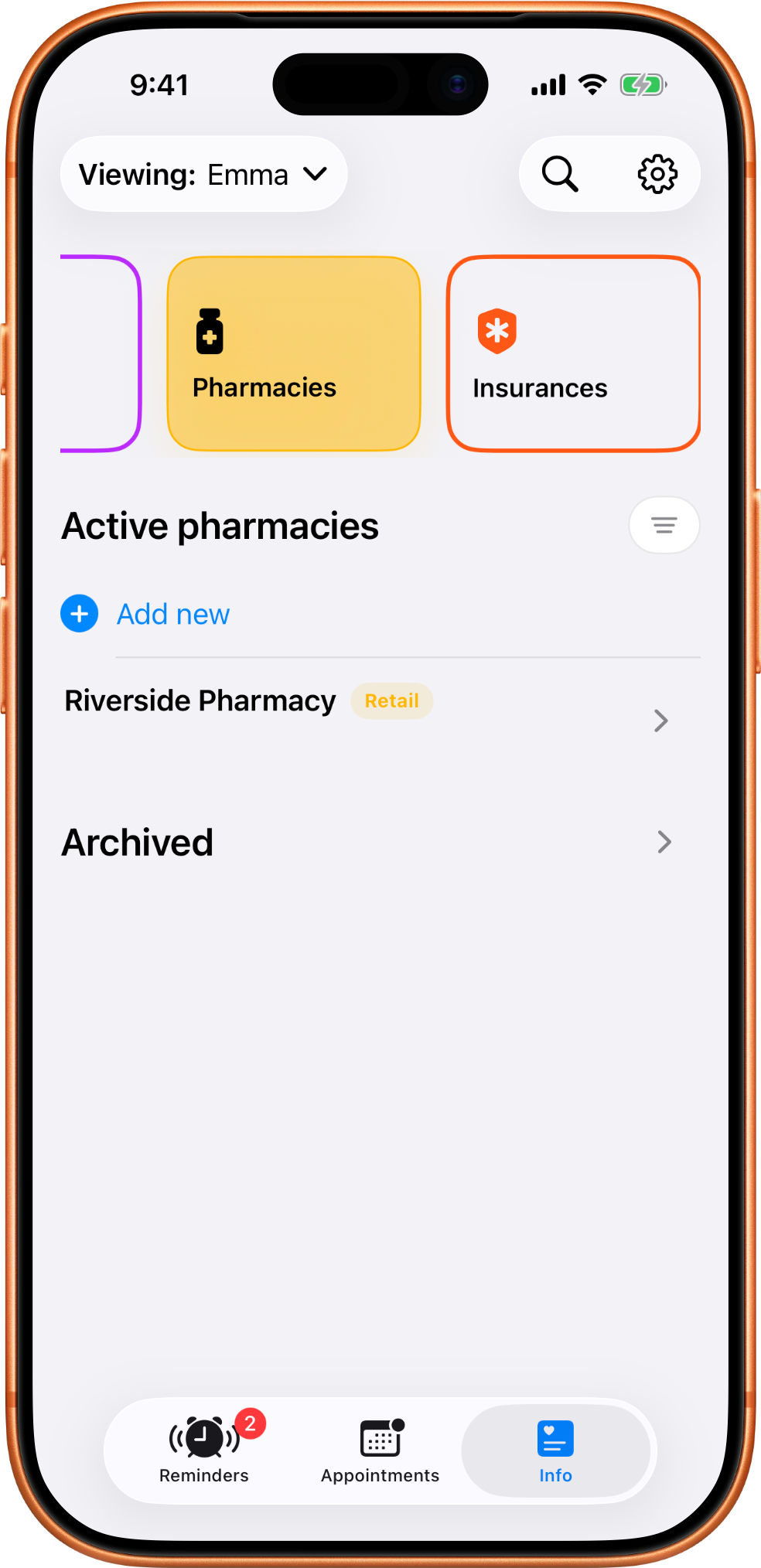
Pharmacy records are saved by profile so the right contact info is already there when it is needed.
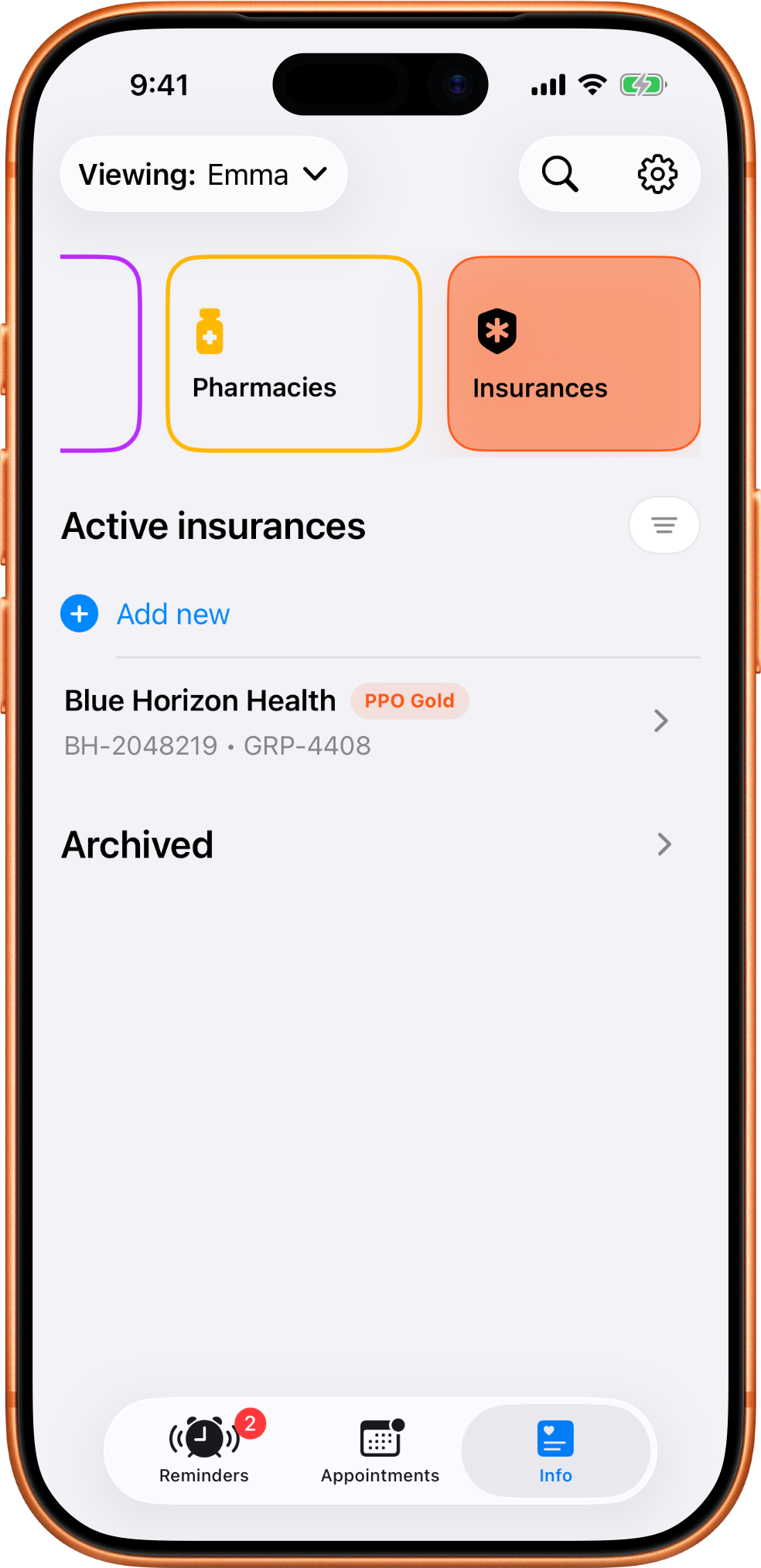
Insurance records live with the profile instead of being scattered across notes or screenshots.
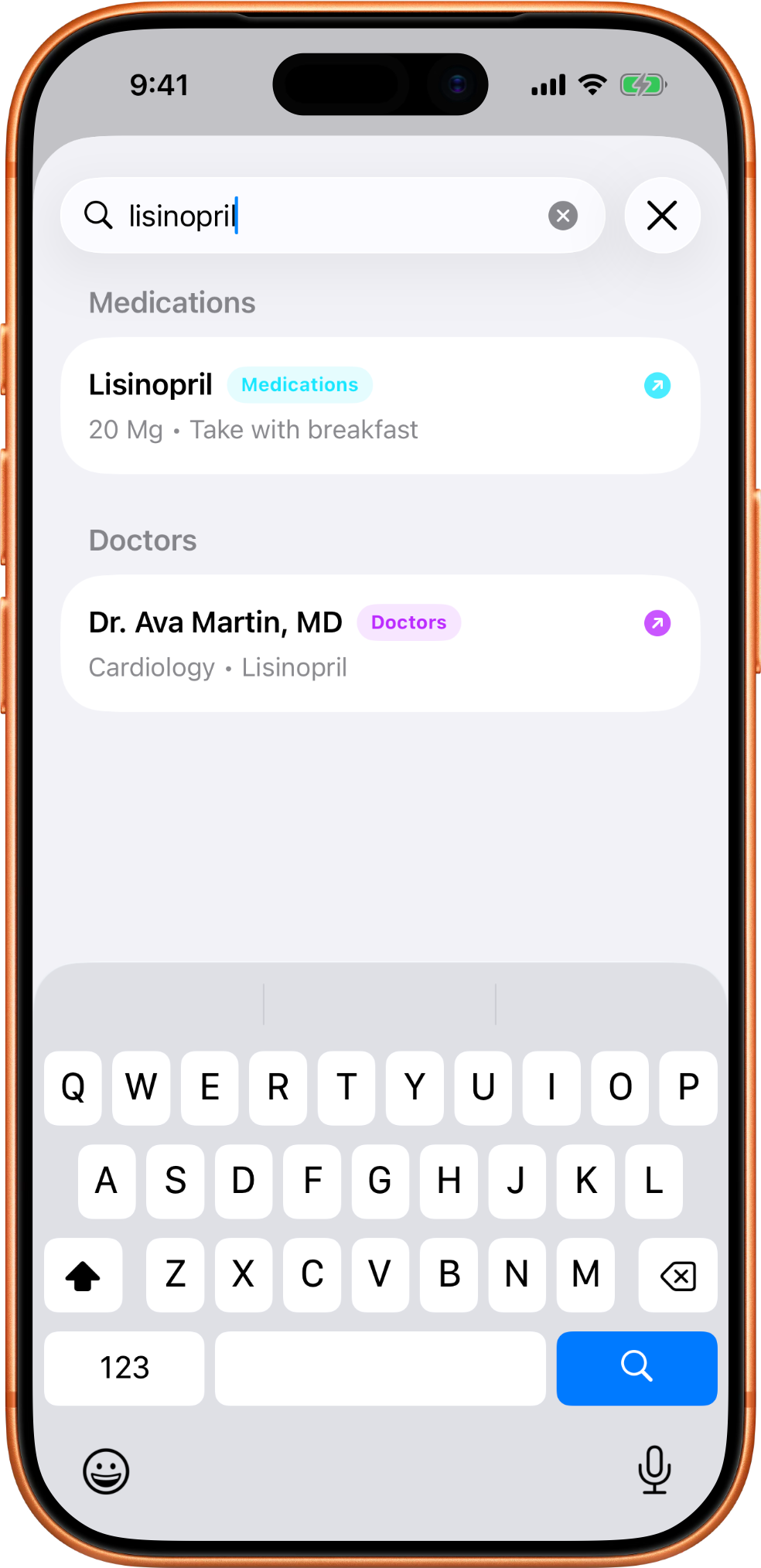
Search helps you find medication, provider, and other saved details without remembering exactly where they live.
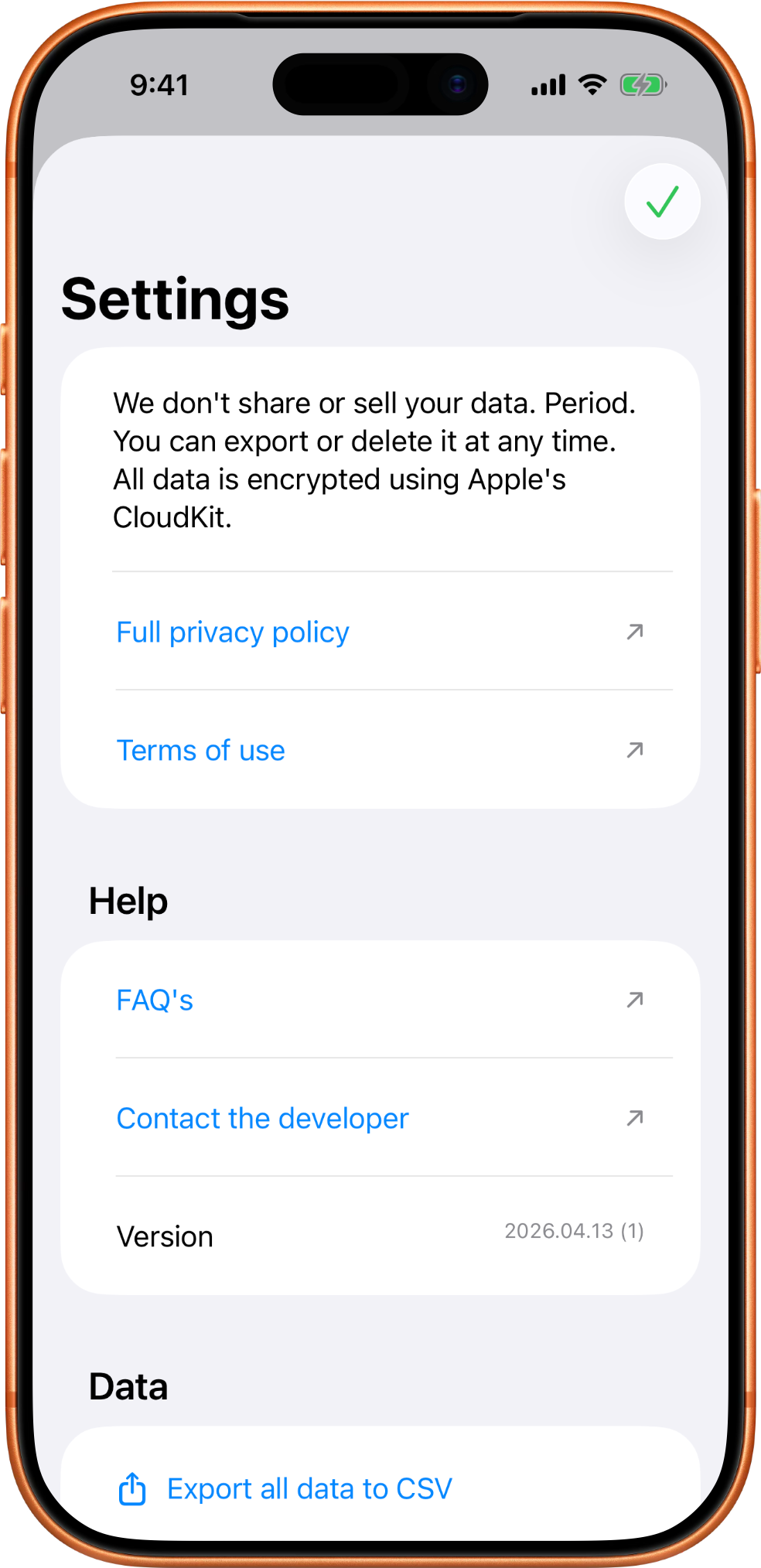
Settings keeps privacy links, help links, version information, and data controls in one place.
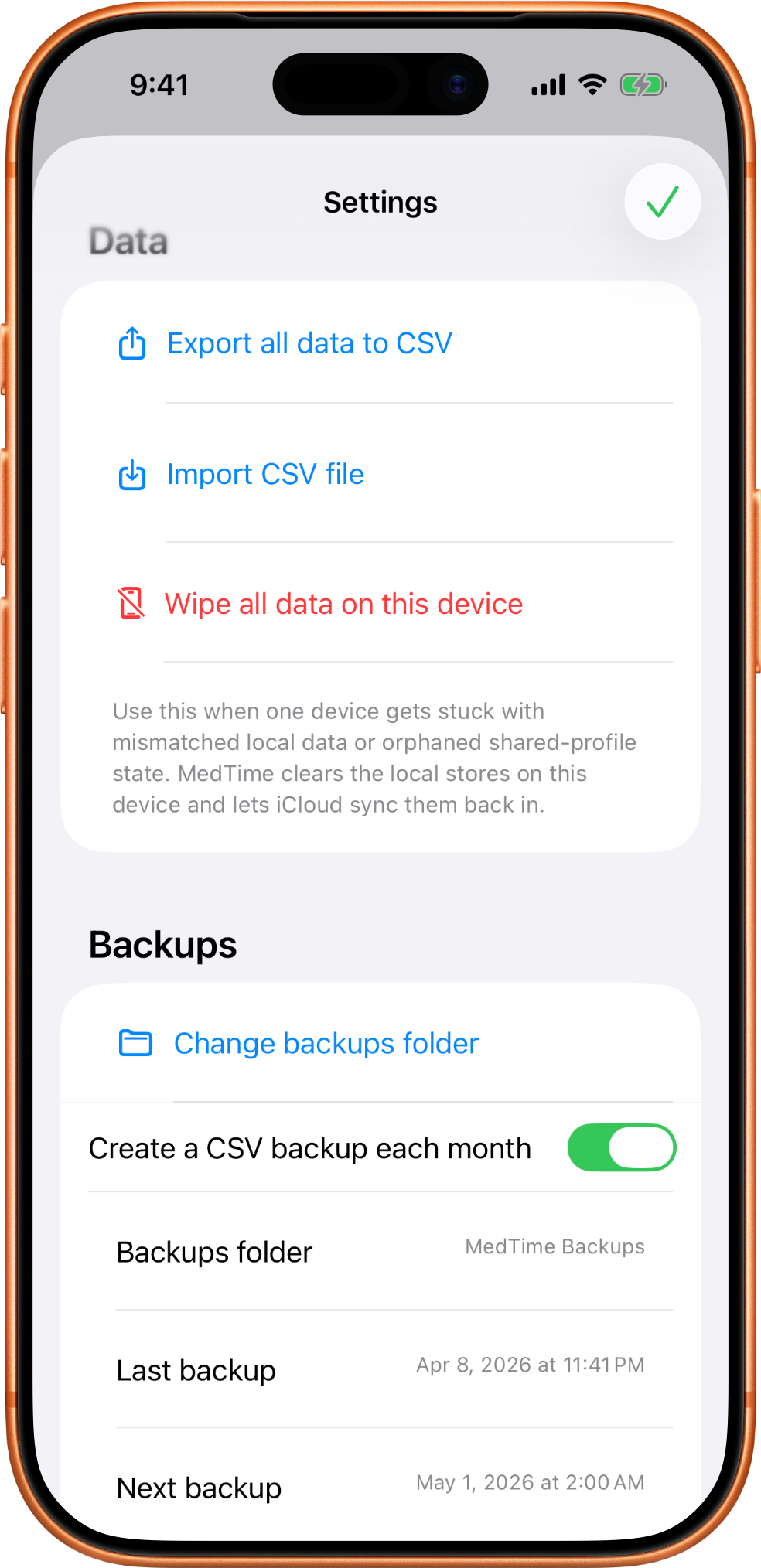
The backup export path lets you choose where CSV backups should be saved.
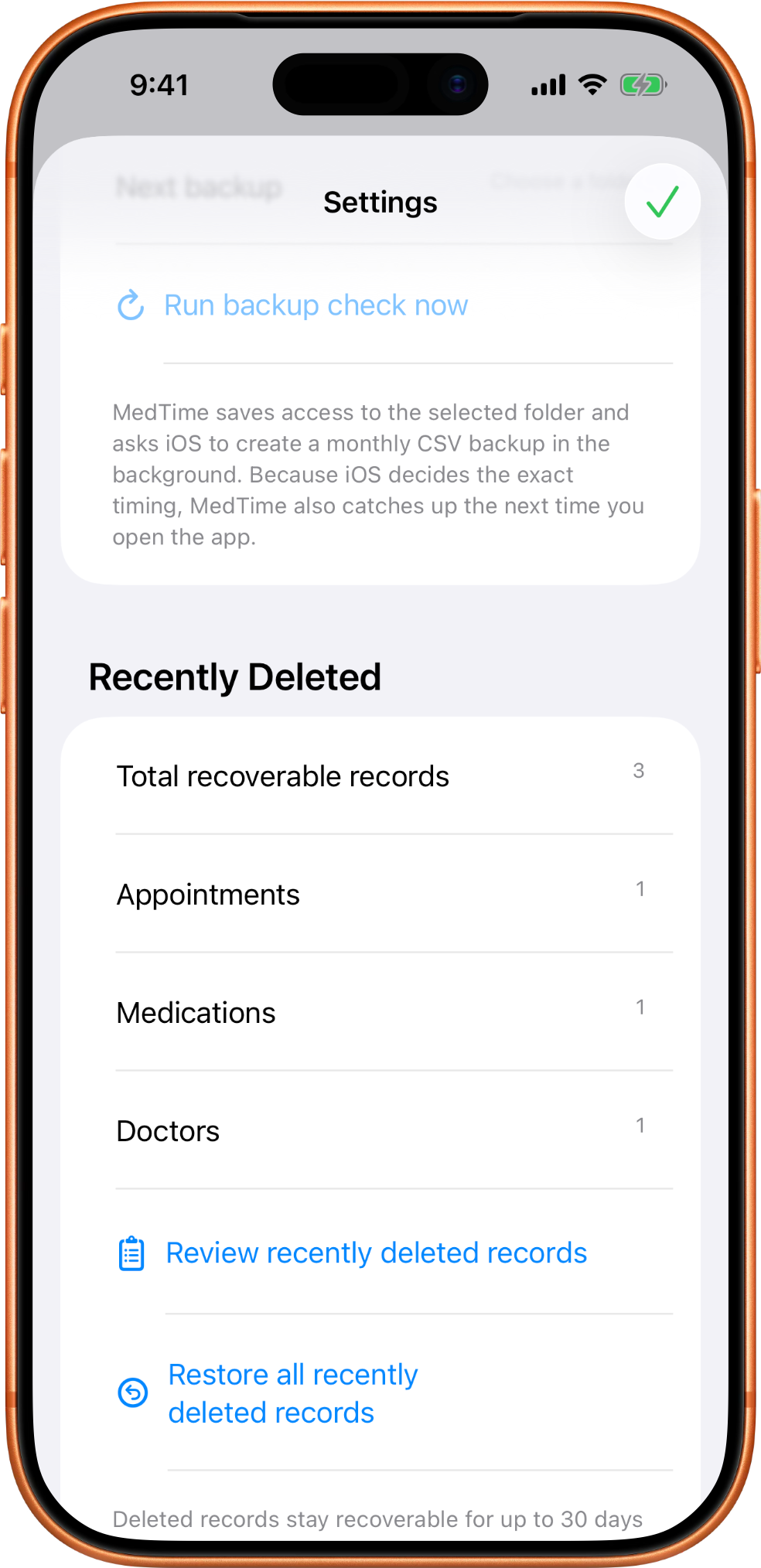
Recently Deleted gives you a recovery window before removed records are permanently cleared.